

The “Master Your Machine in 90 Days” course was designed specifically for seniors who want to gain confidence with computers without the technical jargon or complicated instructions that make learning difficult. Through daily bite-sized lessons tailored to mature learners, you’ll transform from tech-hesitant to computer-confident in just three months.
Bridging the Digital Divide for Seniors
Gaining computer skills opens new doors for connection and independence
The digital divide refers to the gap between those who have access to computers and the internet and those who don’t. For many seniors, this divide isn’t just about physical access—it’s about knowledge and comfort with technology. Computer literacy has become essential for maintaining independence, staying connected with loved ones, and accessing important services.
According to recent studies, seniors who develop digital skills report feeling more connected to family, more independent in managing daily tasks, and more confident in navigating today’s increasingly online world. From healthcare portals to online shopping, banking, and government services, computer literacy empowers seniors to maintain control over important aspects of their lives.
Don’t Let Technology Leave You Behind
Join thousands of seniors who have transformed their relationship with technology through our structured, senior-friendly course.
The Life-Changing Benefits of Computer Literacy for Seniors
Stay Connected
Master video calls with family, email communication, and social media to maintain meaningful connections with loved ones near and far.
Maintain Independence
Learn to manage online banking, shopping, healthcare portals, and government services without relying on others for help.
Boost Brain Health
Engaging with technology provides cognitive stimulation that can help maintain mental sharpness and potentially slow cognitive decline.

Learning computer skills together can strengthen relationships while building confidence
Beyond these core benefits, computer literacy opens doors to entertainment, lifelong learning, and creative pursuits. Many seniors discover new hobbies, take online courses, or even start small businesses once they’ve mastered basic computer skills. The digital world offers endless possibilities for enrichment and engagement at any age.
“I never thought I’d be comfortable using a computer at my age. After completing the 90-day course, I video chat with my grandchildren weekly, manage my appointments online, and even started a blog about gardening. It’s given me a new sense of confidence I never expected.”
Common Technology Challenges for Seniors
Many seniors face specific challenges when learning computer skills. Understanding these obstacles is the first step to overcoming them. The “Master Your Machine in 90 Days” course was designed specifically to address these common hurdles:

Physical Challenges
- Difficulty with precise mouse movements due to arthritis or tremors
- Trouble seeing small text and icons on screens
- Challenges with typing on standard keyboards
- Difficulty hearing audio cues or video content
Our course includes specific modules on accessibility settings and adaptive technologies that can make computer use more comfortable for seniors with physical limitations.
Cognitive and Learning Challenges
- Feeling overwhelmed by too much information at once
- Difficulty remembering multiple-step processes
- Confusion with technical terminology and jargon
- Frustration when things don’t work as expected
The bite-sized daily lessons in our course are specifically designed to prevent overwhelm. We break down complex concepts into simple, manageable steps using everyday language instead of technical terms.

The Fear Factor: Overcoming Technology Anxiety
Many seniors experience anxiety about “breaking” their computers or making mistakes online. Our course addresses these fears directly, teaching you how to safely explore, troubleshoot common issues, and recover from mistakes. You’ll gain confidence knowing that most computer problems have simple solutions.
Technology Doesn’t Have to Be Intimidating
Our patient, step-by-step approach makes learning computer skills manageable and enjoyable, no matter your current skill level.
Inside the “Master Your Machine in 90 Days” Course
Our user-friendly course dashboard makes finding your daily lessons simple
The “Master Your Machine in 90 Days” program takes a unique approach to teaching computer literacy to seniors. Instead of overwhelming you with information, we’ve broken down essential computer skills into 90 daily lessons that take just 15-20 minutes each. This approach prevents frustration and builds confidence gradually as you master one skill before moving to the next.
Course Modules Overview
| Time Period | Focus Areas | Skills You’ll Master |
| Days 1-30 | Computer Basics & Navigation | Turning on/off safely, using mouse and keyboard, understanding files and folders, adjusting settings for comfort |
| Days 31-60 | Internet & Communication | Web browsing, email setup and use, video calling, social media basics, online safety and privacy |
| Days 61-90 | Practical Applications & Independence | Online shopping, banking, healthcare portals, entertainment (streaming services), troubleshooting common problems |
What Makes Our Course Different
- No Technical Jargon – We explain everything in plain, everyday language
- Senior-Specific Approach – Designed with mature learners in mind, addressing common challenges
- Practice-Based Learning – Hands-on activities reinforce each new skill
- Supportive Community – Connect with fellow learners in our moderated forum
- Lifetime Access – Return to any lesson whenever you need a refresher
“The daily lesson format was perfect for me. Just 15 minutes a day, and suddenly I realized I was doing things on my computer I never thought possible. The instructions were clear, and I never felt rushed or confused.”
Learn at Your Own Pace, On Your Own Schedule
Our 90-day structure provides guidance, but you’re always in control of your learning journey.
Staying Safe Online: Essential Skills for Seniors
Understanding online security is a critical component of computer literacy
One of the most important aspects of computer literacy for seniors is learning to navigate the online world safely. Our course dedicates significant time to teaching essential security practices in simple, understandable terms. You’ll learn how to:
Protect Your Personal Information
- Create and manage strong passwords that are easy for you to remember but hard for others to guess
- Recognize phishing attempts and suspicious emails
- Understand which information is safe to share online and which should remain private
- Use secure connections for sensitive transactions like banking
Shop and Bank Online Securely
- Identify secure websites and legitimate online stores
- Set up and use online banking with confidence
- Monitor accounts for unauthorized activity
- Understand consumer protections for online purchases
Common Online Scams Targeting Seniors
Our course includes detailed information about recognizing and avoiding common scams that specifically target older adults, including tech support scams, romance scams, and fraudulent health product offers. You’ll learn the warning signs and exactly what to do if you encounter suspicious activity.
Success Stories: Seniors Who Mastered Their Machines
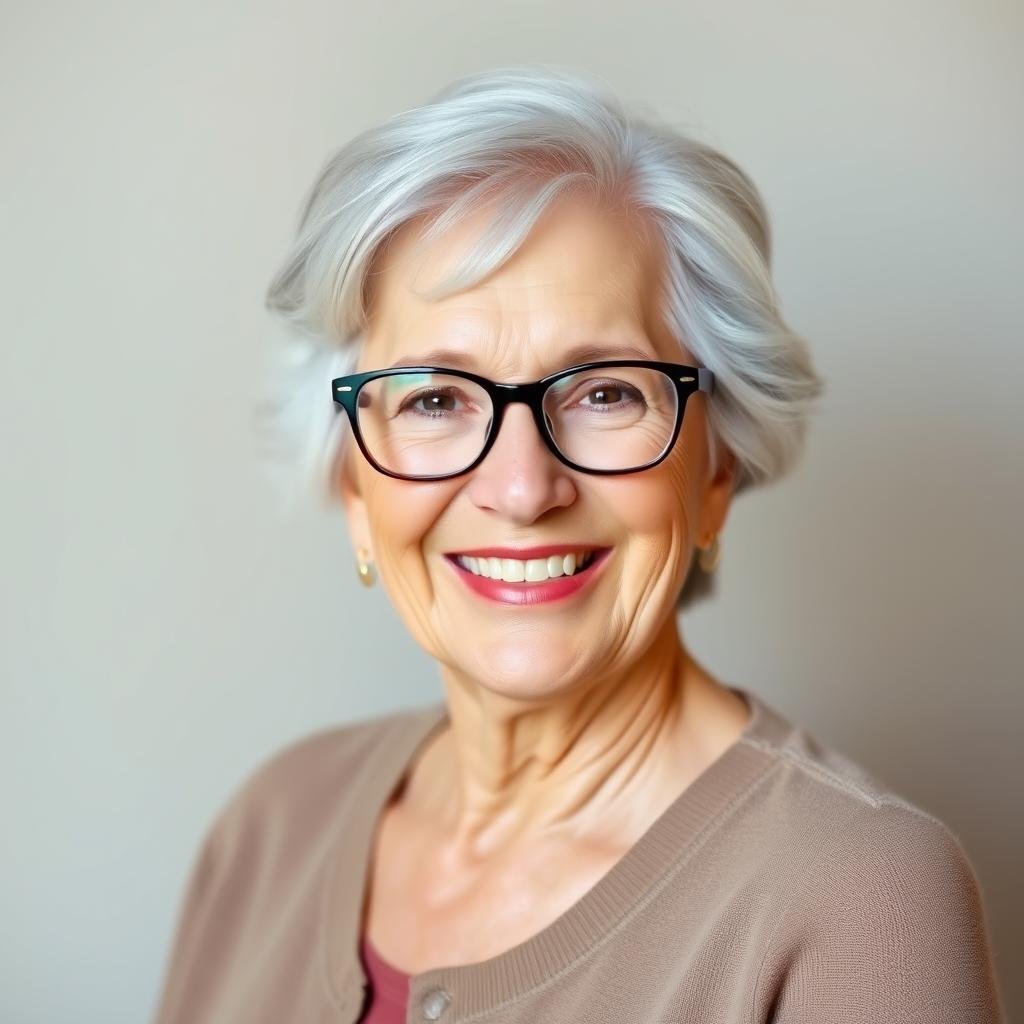
Helen, 75
“After my husband passed away, I needed to learn how to manage our finances online. This course broke everything down into simple steps. Now I handle all my banking and bill payments with confidence. I even started using social media to reconnect with old friends!”

James, 82
“I was very resistant to learning computers at first. My grandchildren kept trying to teach me, but they went too fast. This course let me learn at my own pace. Now I video chat with my family regularly and even ordered my groceries online during the pandemic.”

Maria, 69
“I wanted to sell my handmade crafts but didn’t know where to start online. After completing the course, I set up my own Etsy shop! The course explained everything in terms I could understand, and now I have customers from across the country.”

Our course graduates report increased confidence, independence, and connection with loved ones
Join Our Community of Successful Learners
Thousands of seniors have transformed their relationship with technology through our structured, supportive course.
Frequently Asked Questions About Computer Literacy for Seniors
Am I too old to learn computer skills?
Absolutely not! Our oldest successful student was 94 years old when she completed the course. The brain continues to learn throughout life, and our course is specifically designed for mature learners. We pace the material appropriately and use teaching methods that work well for seniors.
What if I’ve never used a computer before?
Our course starts from the very beginning, assuming no prior knowledge. The first lessons cover basics like turning the computer on and off, using a mouse, and understanding the keyboard. We build gradually from there, ensuring you’re comfortable with each skill before moving on.
How much time will I need to commit each day?
Each daily lesson takes approximately 15-20 minutes to complete. We recommend setting aside an additional 10-15 minutes for practice. That’s less than 30 minutes per day to transform your computer skills over 90 days.
What if I miss a day or need to go at a slower pace?
The course is entirely self-paced. While we provide a 90-day structure, you have lifetime access to all materials and can take as long as you need. Many students complete the course in 3-4 months, taking occasional days off or spending extra time on challenging concepts.
Will I have access to help if I get stuck?
Yes! The course includes access to our community forum where you can ask questions and get support from instructors and fellow students. We also offer email support for technical issues and provide detailed troubleshooting guides for common problems.

Our course covers skills for desktop computers, laptops, and tablets
Take the First Step Toward Computer Confidence Today
Computer literacy is no longer optional in today’s digital world. For seniors, mastering basic computer skills opens doors to greater independence, stronger connections with loved ones, and access to a world of information and services that can enhance quality of life.
The “Master Your Machine in 90 Days” course offers a proven path to computer confidence specifically designed for adults over 50. With our jargon-free approach, bite-sized daily lessons, and supportive learning environment, you’ll be amazed at how quickly you can transform from tech-hesitant to computer-confident.
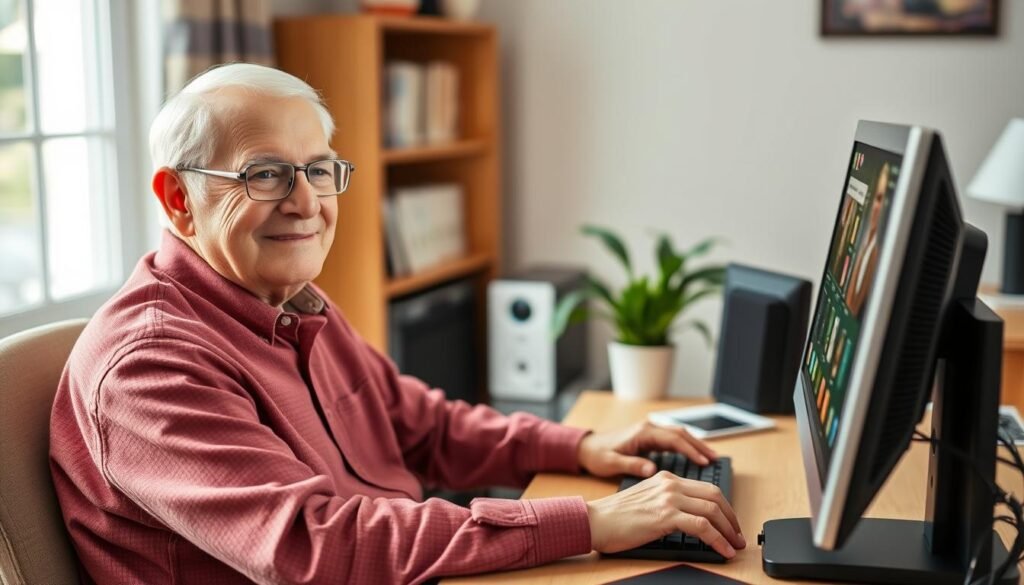
Imagine yourself confidently using technology to enhance your daily life
Your Journey to Computer Confidence Starts Here
Join thousands of seniors who have successfully mastered their machines in just 90 days. Lifetime access, risk-free guarantee, and supportive community included.